


Description
Description
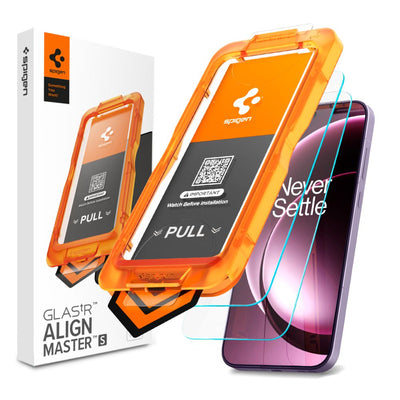
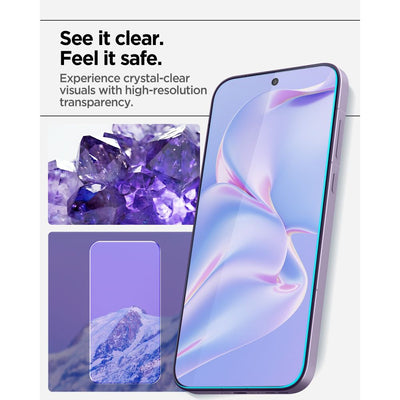
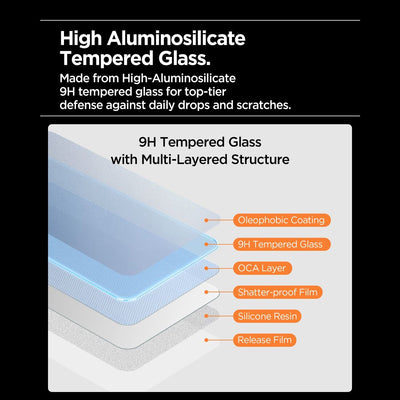
Spigen Glas.tR AlignMaster Slim tempered glass offers premium protection with groundbreaking AluminaCore technology . This 9H hardness glass effectively shields your screen from scratches, impacts, and everyday damage. The material maintains perfect clarity and natural color reproduction, ensuring images remain crisp and vibrant. An additional oleophobic coating reduces smudges and fingerprints, keeping your screen impeccably clean all day long.
AluminaCore technology utilizes a layer of aluminum oxide and silicon dioxide to create a structure with a 9H+ hardness, significantly stronger than standard tempered glass. The multi-layer construction consists of an oleophobic layer to reduce fingerprints, a tempered glass layer, an OCA layer, a shatterproof film, silicone resin, and a protective film. The entire structure absorbs impact and effectively protects the screen from scratches and mechanical damage.
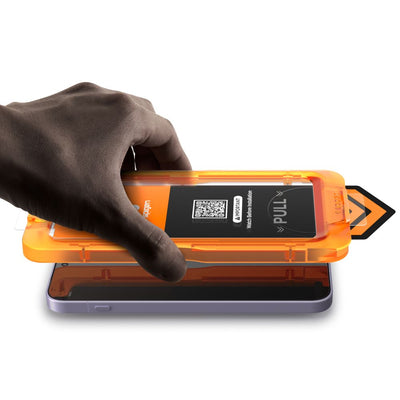
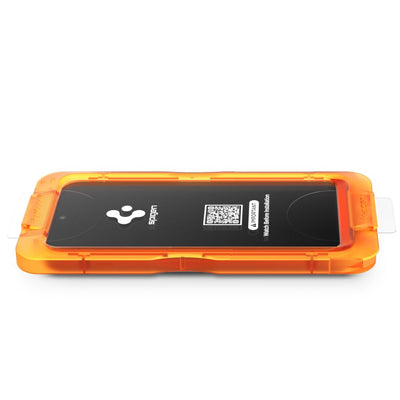
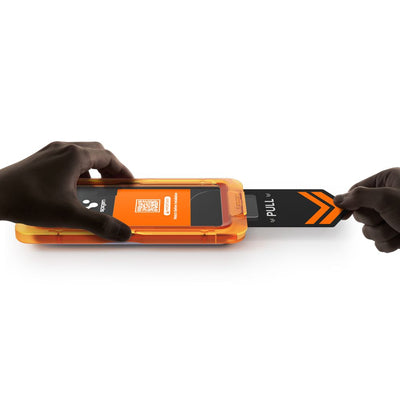
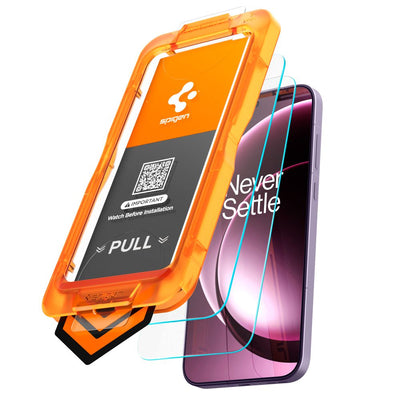
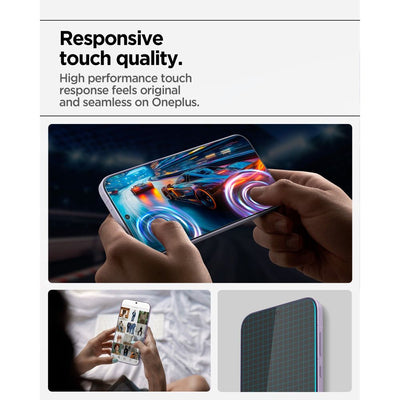
Installing the glass is simple and precise thanks to the included innovative AlignMaster automatic installation kit. The system eliminates bubbles and misalignment, ensuring a perfect fit the first time. The glass doesn't affect touch functionality and ensures immediate, responsive screen response, maintaining a smooth and comfortable user experience.
Product features
- 100% Original
- Packed in original packaging
- Hardness 9H
- Alumina Core
- Anti-smudge oleophobic coating
- AlignMaster mounting system
- Perfect image clarity
- Touch responsiveness
Specification
The set includes
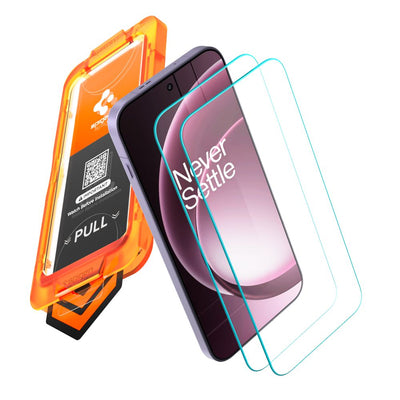
2 × Spigen Glas.tR AlignMaster Slim Tempered Glass
2 × AlignMaster Installation Kit
Assembly instructions
- Start installation in the bathroom right after taking a shower – the water vapor will absorb all the dust from the atmosphere and will not interfere with the installation.
- Thoroughly clean and degrease the screen surface, then use a dry cloth to polish it to a shine. Make sure there are no dust particles left.
- Place the frame with the glass already installed on the phone – it will ensure a precise fit and make application easier.
- Pull the starter foil to start the process of automatically sticking the glass to the screen.
- Press the glass in the designated areas. Do this carefully to ensure the adhesive bonds well with the surface.
- Remove the frame and remove any air bubbles by moving your finger in circular motions.
You may also like
Recently viewed
Safe payment on our website