



Description
Description
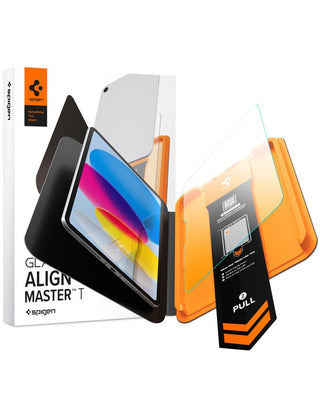
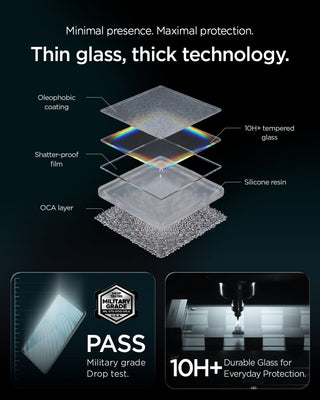
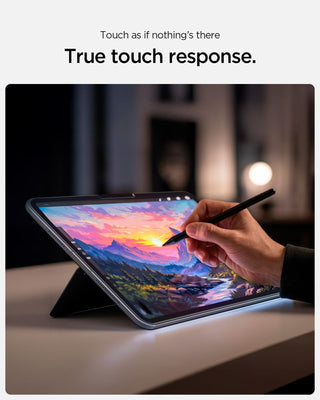
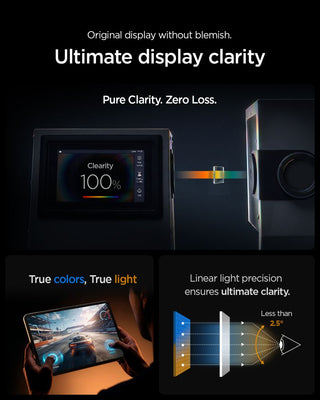
Spigen ALM Glas.tR T tempered glass offers military-grade 10H+ hardness for your screen, shielding it from scratches and impacts during everyday use. The crystal-clear glass ensures maximum light transmission without distortion, preserving natural brightness and sharpness. Full touch responsiveness and precise Apple Pencil operation remain unaffected when the glass is applied.
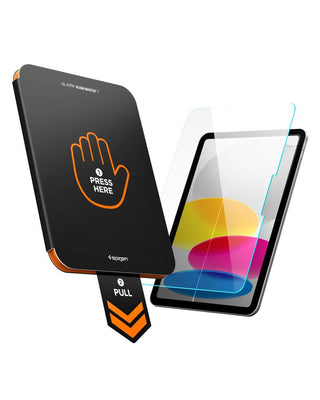
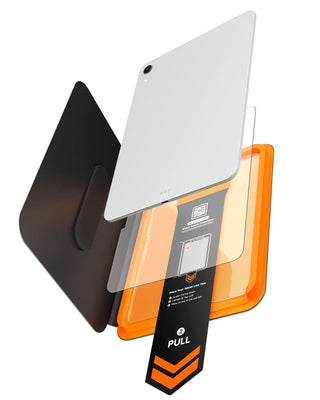
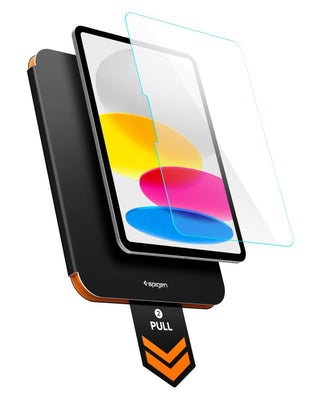
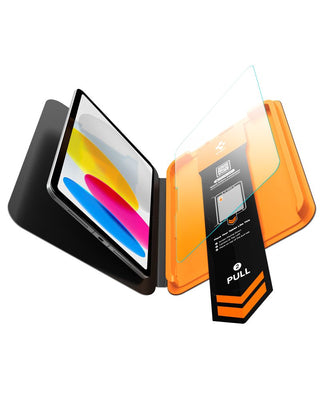
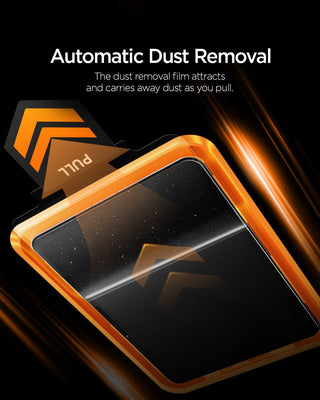
The AlignMaster T mounting system with a positioning tray makes installation simple and secure—simply place the tray, close it, and pull to precisely land the glass on the screen without any air bubbles. A built-in pull tab removes dust from the screen surface just before the glass is applied, eliminating any dirt that could interfere with adhesion.
* Due to the varying milling patterns of display edges, a slight air halo may appear around the screen after installing a screen protector. This is natural and depends on the milling pattern of the screen in a given unit.
Product features
- 100% Original
- Packed in original packaging
- Military grade 10H+ hardness
- Crystal clarity
- Full responsiveness of touch and Apple Pencil operation preserved
- AlignMaster T System
- Pull tab – removing dust before applying glass
- Bubble-free installation
Specification
The set includes
1 × Spigen ALM Glas.tR T Tempered Glass
1 × AlignMaster T Mounting Tray
1 × Installation kit
Assembly instructions
- Begin installation in the bathroom right after taking a shower – the water vapor will absorb all the dust from the atmosphere and will not interfere with the installation.
- Thoroughly clean and degrease the screen surface, then use a dry cloth to polish it to a shine. Make sure there are no dust particles left.
- Place the frame with the glass already installed on the tablet – it will ensure a precise fit and make application easier.
- Pull the starter foil to start the process of automatically sticking the glass to the screen.
- Press the glass in the designated areas. Do this carefully to ensure the adhesive bonds well with the surface.
- Remove the frame and remove any air bubbles by moving your finger in a circular motion.
You may also like
Recently viewed
Safe payment on our website