

Description
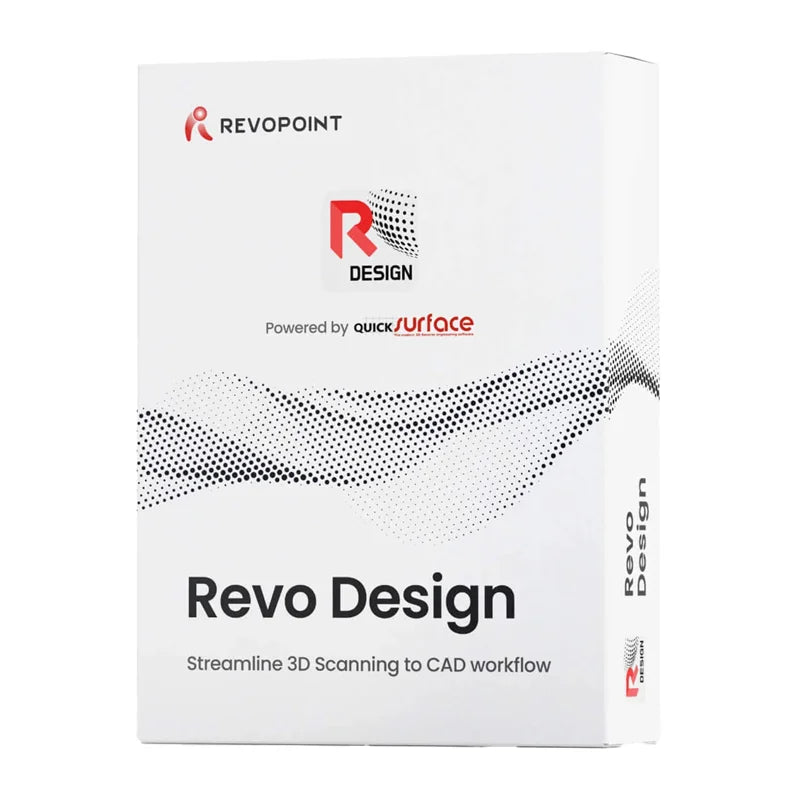
Revo Design Pro Software (perpetual license) - electronic code
Revo Design Pro is an advanced CAD software that allows you to convert 3D scans into models ready for further editing and design. It supports STL, OBJ, and PLY files and allows you to create new elements, modify existing ones, and save finished designs in IGES, STEP, and PARASOLID formats. It offers tools for improving scan quality, 3D modeling, and verifying design accuracy. It is well-suited for applications such as industrial design, modifying automotive parts, and recreating objects with complex shapes. The software is available with a perpetual license, and the activation key is delivered electronically.

Prepare 3D scans for further work
Revo Design Pro allows you to import 3D scans in STL, OBJ, and PLY formats, even for large and detailed models. The software allows you to smooth out irregularities, remove unnecessary fragments, fill holes, reduce the number of polygons, and crop selected areas. You can also align multiple scans to more accurately represent the object. The automatic surface recognition feature makes it easier to prepare scanned objects for further editing in a CAD program.

Create and Modify 3D Models
With Revo Design Pro, you can recreate existing objects, modify their structure, and design new elements. The software allows you to create 2D and 3D sketches and then transform them into 3D models by extruding, rotating, or guiding the shape along a specified path. Tools are also available for merging and splitting solids, changing surface thickness, rounding edges, creating holes, and duplicating elements. Advanced features also allow you to recreate irregular surfaces and adjust their shape to match a scanned object, which makes it easier to work on more challenging projects.

Control the accuracy of your designs
Revo Design Pro offers a feature for comparing your prepared model with a 3D scan, allowing you to detect differences between their shapes. This enables you to quickly identify areas requiring corrections and monitor the accuracy of your design in real time. Tools for analyzing surface straightness and slope are also available, helping you achieve the most accurate representation of the original object.

Integration with Other Software
Revo Design Pro supports the import of CAD models in IGES and STEP formats and the export of finished designs to IGES, STEP, and PARASOLID formats. It also allows you to save scan data in STL format, which makes it easier to transfer designs to other CAD/CAM programs. An additional benefit is its integration with Revo Scan and Revo Scan 5 MetroX, allowing you to quickly transition from scanning an object to editing its model. However, Revo Design Pro is a standalone program.

Perpetual License and Activation
Revo Design Pro is available with a perpetual license that does not require renewal. After purchase, you will receive an email with an activation key within a maximum of 3 business days. To get started, download the program from the Revopoint website using the “Download” button that links to the QUICKSURFACE service, install it, and activate it with the key you received. A single account can be used on only one device at a time, and the purchased software is non-refundable and non-exchangeable.

System Requirements and Technical Support
Revo Design Pro requires a computer running 64-bit Windows 10, an Intel Core i5 processor or better (or equivalent), at least 16 GB of RAM, a hard drive with a capacity of at least 256 GB, and a dedicated NVIDIA or AMD graphics card. After activation, an Internet connection is not required, but it allows for automatic checks for available updates. If you encounter any issues, you can use the Revopoint Help Center, contact the manufacturer, or schedule a one-on-one video call. A user forum and a 30-day trial version of the software are also available.

Producer: REVOPOINT INTERNATIONAL LIMITED (CN)
Address: FLAT/RM 1911 LEE GARDEN, ONE 33 HYSAN AVENUE, 0000, Hong Kong
Email: sales-eu@revopoint3d.com
EU Responsible Person: eVatmaster Consulting GmbH
Address: Raiffeisenstraβe, 2 B11, 63110, Rodgau
Email: contact@evatmaster.com
You may also like
Recently viewed
Safe payment on our website